

The Adventures of the Calamnet Wizard – Panel 9

Intro!
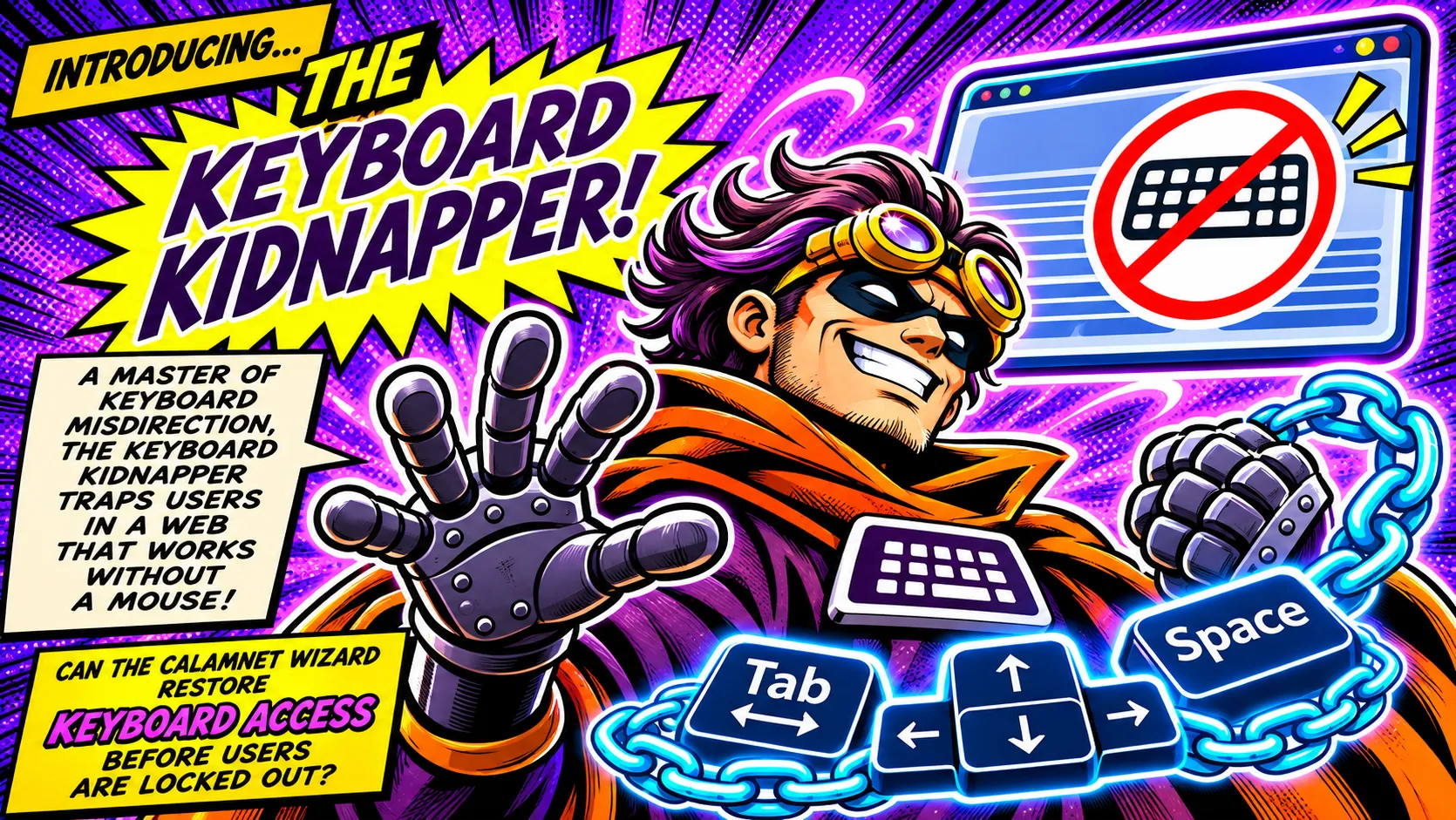
Introducing… The Keyboard Kidnapper!
A master of keyboard misdirection, the Keyboard Kidnapper traps users in a web that works without a mouse! The artwork shows a crossed-out keyboard and a chain around the Tab, arrow, and Space keys.
Can the Calamnet Wizard restore keyboard access before users are locked out?
Comic Panel!
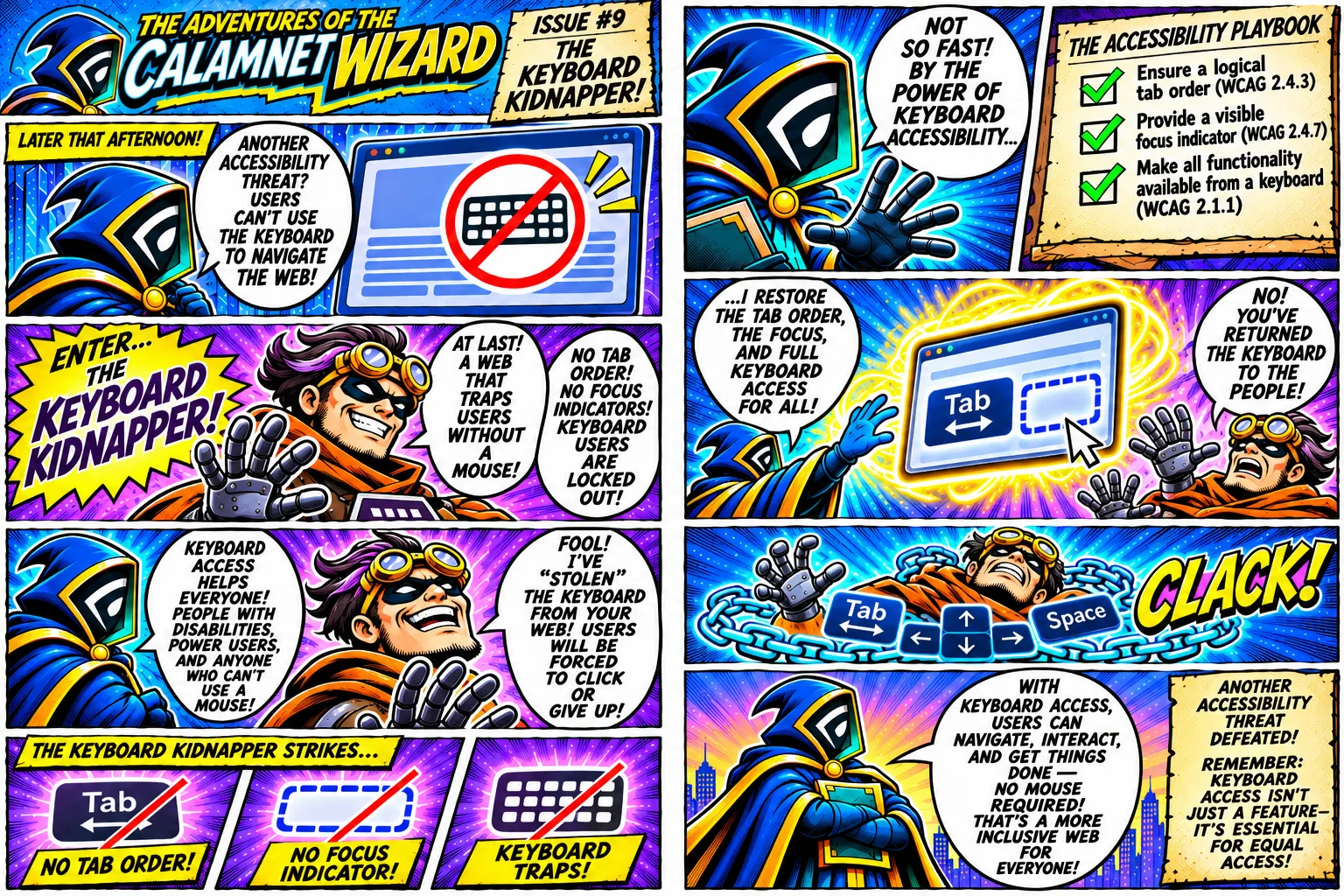
The Adventures of the Calamnet Wizard. Issue 9: The Keyboard Kidnapper!
Later that afternoon, a browser window shows a crossed-out keyboard.
Calamnet Wizard: “Another accessibility threat? Users can’t use the keyboard to navigate the web!”
Enter… The Keyboard Kidnapper!
Keyboard Kidnapper: “At last! A web that traps users without a mouse! No tab order! No focus indicators! Keyboard users are locked out!”
Calamnet Wizard: “Keyboard access helps everyone! People with disabilities, power users, and anyone who can’t use a mouse!”
Keyboard Kidnapper: “Fool! I’ve ‘stolen’ the keyboard from your web! Users will be forced to click or give up!”
The Keyboard Kidnapper strikes. A crossed-out Tab key is labeled “No tab order!” A crossed-out outline is labeled “No focus indicator!” A crossed-out keyboard is labeled “Keyboard traps!”
Calamnet Wizard: “Not so fast! By the power of keyboard accessibility…”
The Accessibility Playbook: Ensure a logical tab order (WCAG 2.4.3). Provide a visible focus indicator (WCAG 2.4.7). Make all functionality available from a keyboard (WCAG 2.1.1).
Calamnet Wizard: “…I restore the tab order, the focus, and full keyboard access for all!” A Tab key and a dashed focus outline reappear on the page.
Keyboard Kidnapper: “No! You’ve returned the keyboard to the people!” Clack! A chain bearing Tab, arrow, and Space keys wraps around him.
Calamnet Wizard: “With keyboard access, users can navigate, interact, and get things done, no mouse required! That’s a more inclusive web for everyone!”
Closing caption: Another accessibility threat defeated! Remember: Keyboard access isn’t just a feature. It’s essential for equal access!